Rintama High Player Tools
Small utilities that remove friction from codes and customization.
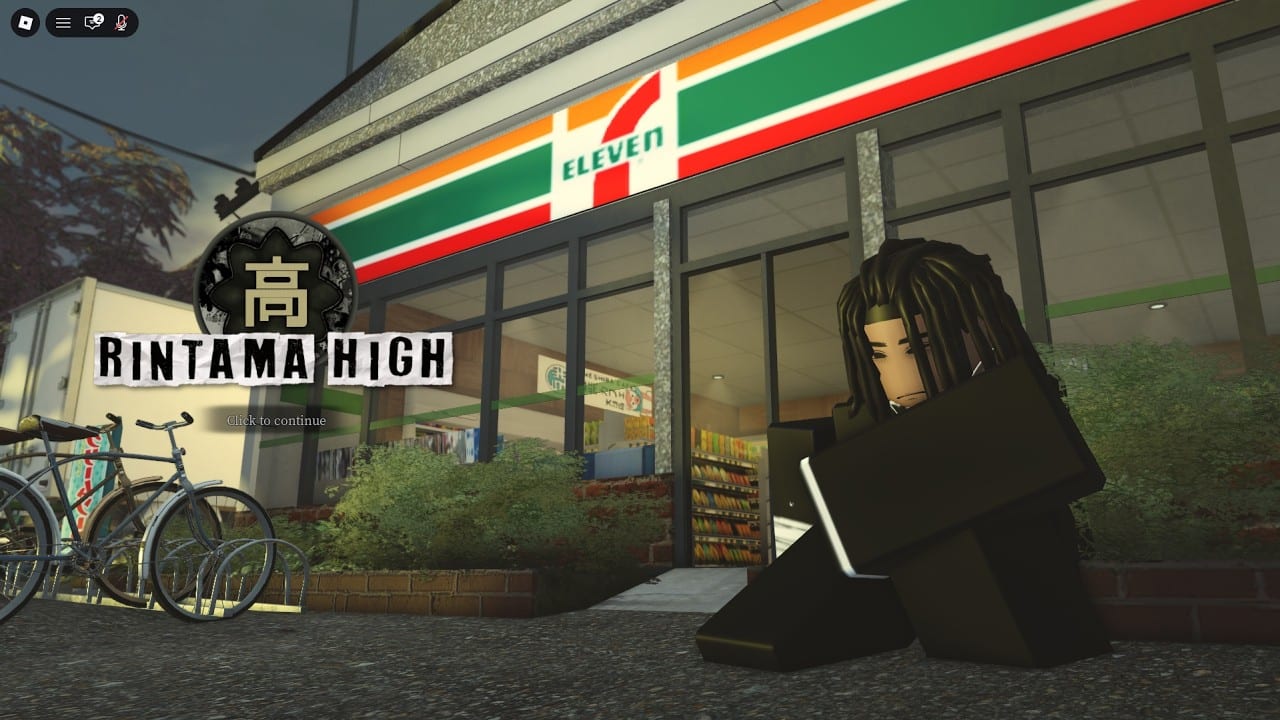
Tools on this wiki exist to solve repetitive friction. Rintama High players constantly copy code strings and Marketplace asset IDs. Instead of juggling five tabs blindly, use these focused helpers beside the deep guides.
Code Copy Helper
Open the code copy helper for a clean table of active Yen and Reroll Token codes. Use it with how to redeem while the phone Settings app is open. Full commentary stays on the Codes Hub.
Clothing ID Helper
The clothing ID helper walks Marketplace → copy ID → paste in customization without skipping steps. Pair it with the narrative customization guide when you also need height advice.
How tools fit the rest of the site
Tools do not replace getting started, Yen farming, or fighting styles. They accelerate the boring parts so you can return to Hokuheki City faster. For risky automation, see scripts — that is a different category with ban warnings.
Suggested workflow
- Copy codes from the helper.
- Redeem in-game.
- Paste clothing IDs.
- Skate to jobs and vendors using map and NPCs.
- Check tier list only after controls feel comfortable.
We will add calculators or checklists when the game’s systems stabilize. Launch week favors simple, reliable utilities over flashy widgets.
Why web tools beat messy screenshots
Screenshot code lists go stale and crop characters. Structured tables on the code copy helper reduce typos that waste support questions. Likewise, clothing checklists beat memory when you juggle five Marketplace tabs.
Classroom and content creator use
Teachers in roleplay servers can paste the Tools Hub link so students self-serve codes ethically. Creators can overlay the copy table on stream without scrolling Discord archaeology. Pair with how to redeem for full audience guidance.
Roadmap thinking
Future tools might compare style prices or track Passive Mode etiquette reminders. We wait for stable APIs and clearer vendor data before shipping calculators that lie. Until then, these two helpers plus guides cover ninety percent of friction.
Boundary with scripts
Anything that injects into the Roblox client belongs under scripts, not Tools. Keeping that wall clear protects players who only wanted a copy-paste table.
Frequently Asked Questions
Quick answers to the most common questions.
Do tools run inside Roblox?
No. They are web helpers you use beside the game client.
Are code helpers always updated?
We refresh when community lists change. Confirm against the Codes Hub notes.
Can tools ban my account?
These web checklists cannot. Third-party executors on the Scripts page can.
Where is the clothing guide?
Use the Clothing ID Helper plus the Customization guide for full context.